Free
~3 hFor trying it on this season's recaps.
$0
- About 3 hours of video (2.2 GB)
- All core features: player, markers, tags, filters, events, move library, combos, practice queue
- Google Photos import
- 3 active share links
- Full export, anytime
5, 6, 7, 8For dancers with a phone full of recaps
DanceMemo turns your messy camera roll into a practice library. Slow the teacher down, flip the video like a mirror, loop the tricky 8-count, and find any move again in seconds.
Free during the beta. No ads, no tracking. Made in Montreal.
5The camera-roll graveyard
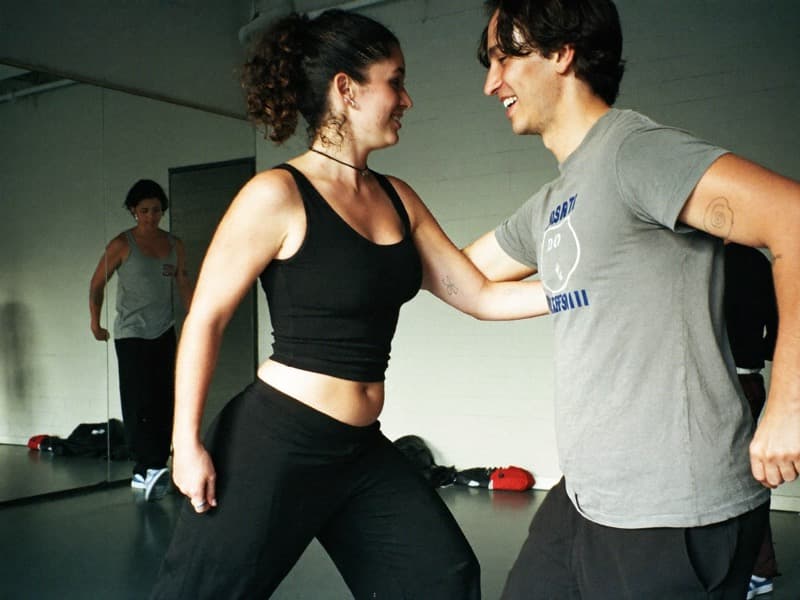
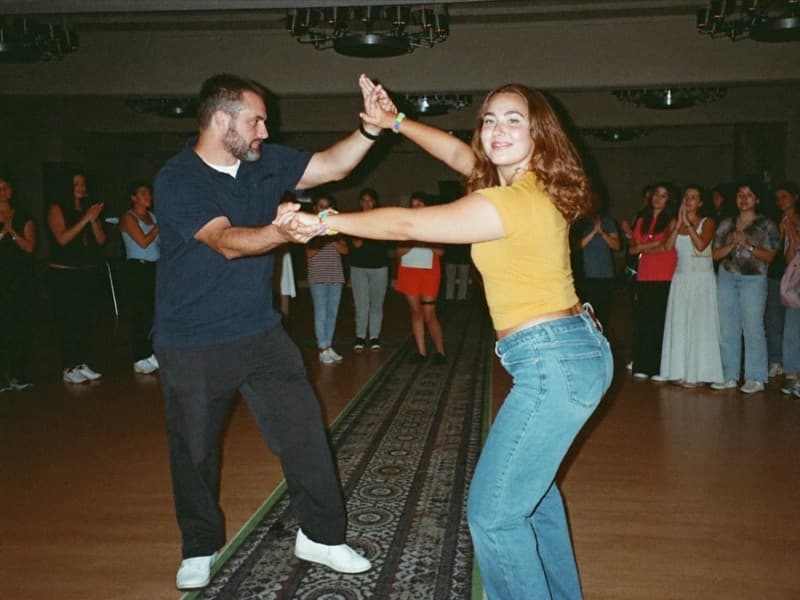
It's 11 pm. Class just ended. Everyone pulls out their phone for the recap. You film it, sweaty, from the third row, with someone's head in the way. Then it lands between a parking receipt and 40 photos of your cat. Next Tuesday, you remember there was a hand switch. You just don't remember where.
Hundreds of videos, no names. Finding last month's sombrero means scrolling until your thumb hurts.
The teacher demos at full speed, facing you. You scrub back and forth with your thumb to catch the prep, flipping every step in your head.
You had it in class. Seven days later it's a blur, because nobody reviews a move they can't find.
A typical recap: 40 seconds of gold buried in 4 minutes of chatting, shoe-tying and “5, 6, 7, 8”.
6How it works
Three steps, and the first one takes less time than tying your shoes.
Upload from your phone or pick straight from Google Photos. DanceMemo makes a light copy that starts instantly and jumps exactly where you tap.
Drop a marker on the move that matters: “0:42 - the hand switch”. Tag the teacher, the style, the move. Or tag a whole festival in one go.
Slow it down, mirror it, loop it. Every day, DanceMemo tells you which moves to revisit, so last month's class doesn't evaporate.
7What's inside
Try the demos below. They work like the real thing.
See every step of the demo at a speed your brain can follow.
Mark the move once and land on it every time.
Try it
Basic + inside turn - Salsa On1 - Marisol
Tuesday class · Intermediate · 0:10
Tap 0.5x. Same song, same key, half the speed.
Markers
Move on this marker: Styling
An AI-generated sample for the demo. Your own videos stay private.
Filter your whole library by teacher, move, style, event or date, as fast as you can tap.
Try it
Type “CBL”. It finds “Cross body lead” too.
Teacher
Move
Style
Event
8 videos · 18 markers
 3:484
CBL variations
 2:122
Sugar push drills
 4:053
Saída and virgula
 1:561
Cambré from shadow
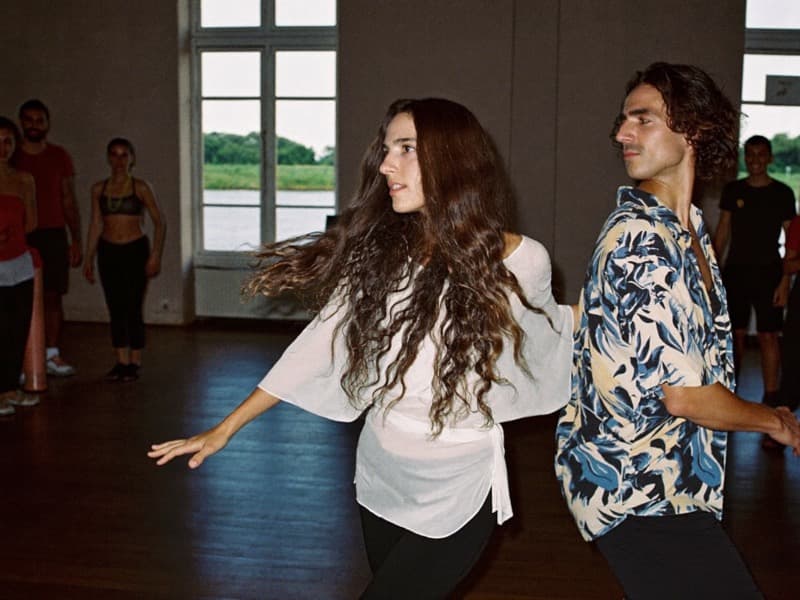 5:312
Lateral, slow breakdown
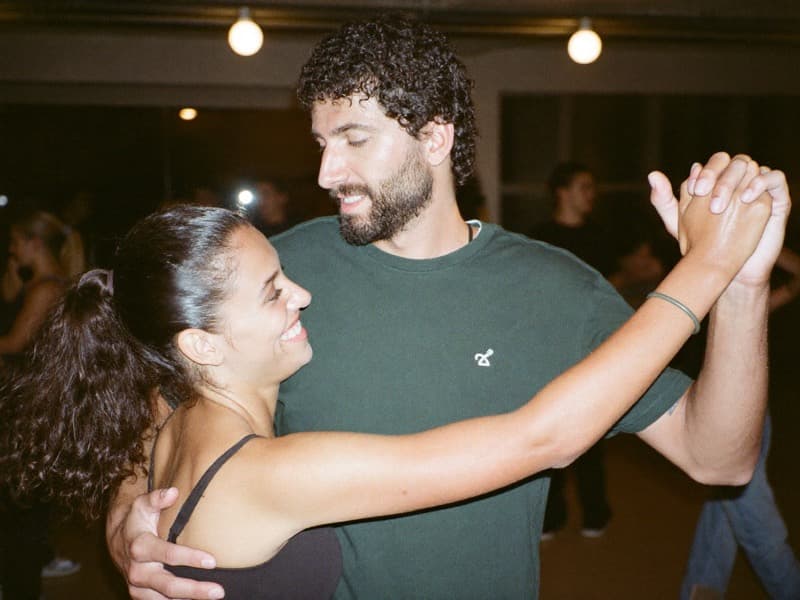 2:402
Hammerlock exit
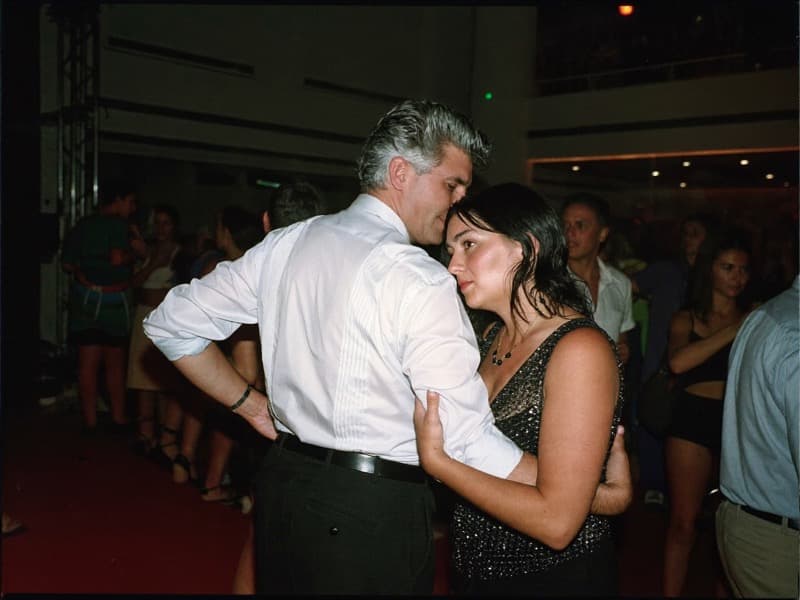 3:023
Setenta, full run
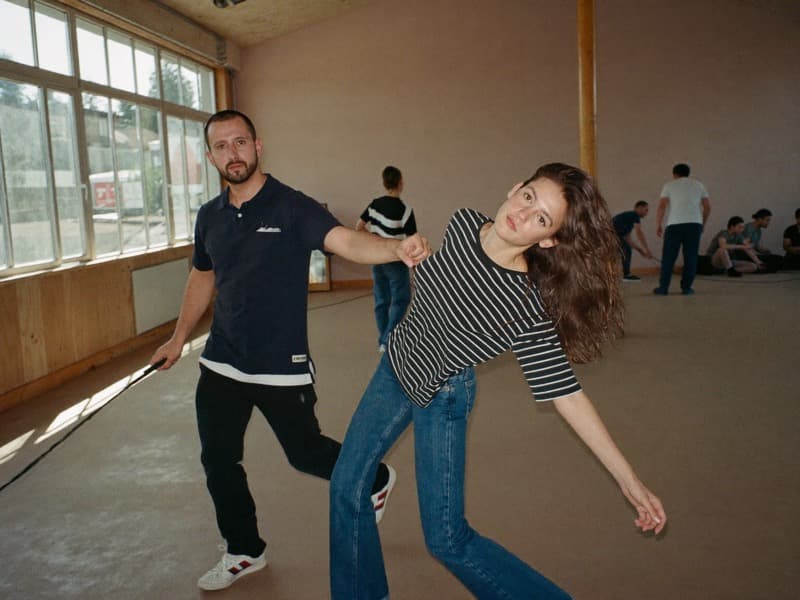 1:271
Whip footwork
Dotted tag: inherited from the event or a marker.
Fuego Boréal 2026 · Montréal · 14 workshops · 38 videos
Every video inherits: Salsa On2, Bachata, Dario, Yanick, Montréal
Inbox · 20 videos to tag
One page gathers every clip and marker for a move, from every teacher who ever taught it to you.
Also called: CBL, Cross body
14 videos · 9 markers · 4 teachers
Every take on this move
0:42Marisol
Salsa On1
 1:15
Dario
Salsa On2
 2:17
Yanick
Bachata
Marisol's Tuesday combo
Every day, DanceMemo tells you which moves to revisit before they fade.
Try it
5 moves to revisit today
Hammerlock exit
Salsa On1 · Marisol
No more “can you send me the video?” lost in a group chat, compressed to mush.
Share with Jo
1:15 to 1:42 · Prep on 7
Link expires in 7 days
Install it on your home screen and import the recap before you've changed your shoes.
DanceMemo
iPhone: tap Share, then “Add to Home Screen”.
Android: open the menu, then “Install app”.
Private by default, no ads, no tracking, and you can leave with everything.
Teaching? It works for you too.
Keep every class you've taught in one place, find last session's combo in seconds, and send students a segment with a link that expires.
Why trust us
Built by a dancer, for a camera roll full of recaps
I started DanceMemo because my phone had 300+ recap videos and I could find maybe five of them. I'd film the recap, promise myself I'd review it on Sunday, and never did.
So I built what I wanted: slow it down, flip it, loop it, mark the move, find it again. I use it every week for my own classes. The beta is small on purpose. I want to hear from real dancers before opening the doors.
Things you can check yourself
8Pricing
Every plan has the full practice toolkit. You only choose how much footage you keep. 1 hour is about 15 recaps of 4 minutes.
For trying it on this season's recaps.
$0
For the one-class-a-week dancer.
$3.99/mo
For classes, workshops and a festival or three.
$7.99/mo
For teachers and serious archivists.
$14.99/mo
Prices in Canadian dollars, before tax.
Paid plans open after the beta.
Beta members become founding members: your price is locked for as long as you keep your plan, and your first 3 months of Plus are on us.
The beta is free and invite-only. After the beta, there's a Free plan with about 3 hours of video and all core features. Paid plans start at $3.99/month for more room.
Yes, that's where it shines. DanceMemo is a web app you add to your home screen from the browser, on iPhone or Android. No app store. Import right after class, practice in the kitchen.
Pick the videos you want straight from Google Photos. DanceMemo only sees the ones you pick, makes a light copy for fast playback, and leaves your originals untouched. You can disconnect Google anytime.
Only you. Someone else sees a video only if you send them a share link, and that link expires. No ads, no trackers, no analytics. Recaps often show your teacher and classmates, so keep them private and follow your teacher's filming rules.
Anytime. Export everything: tags, markers and metadata as JSON, your notes as Markdown. No lock-in, no hostage situation.
Anything you can film. Salsa, bachata, kizomba, West Coast Swing, zouk, tango, swing, and also hip-hop, house, heels or contemporary class recaps. Tags are yours: name moves the way your teacher does.
No. New videos wait in the Inbox until you're ready. Tag a whole festival once with an event. One marker on the move you care about is enough to find it again.
Paid plans open and your library stays exactly where it is. You'll get an email before anything changes, and nothing gets charged unless you pick a paid plan. Beta members get founding-member pricing.
1Join the beta
Join the beta waitlist. Invites go out in small groups, and beta members keep founding-member pricing.